How the heck, how to find bugs on the website? Here’s the Tips!

Writing a program is not an easy job. Indeed, it is very rare that an application can be successfully made from start to finish without experiencing the slightest problem or problem. Whether it’s a writing error problem or because of a program logic error. When an error occurs, the result is that the application will not run and work properly. Errors contained in an application or website can be referred to as a find bugs. So, how do you find bugs on the website?

Finding and finding bugs on a website is not easy. Need to use certain tips to quickly succeed. The following are some ways or tips for finding bugs on the website:

1. Don’t Panic

The first thing to do is ‘don’t panic’. Make sure, to try to stay calm. Remember that sooner or later bugs on the website will definitely be found and fixed immediately. If you panic, it will only make you rush and eventually produce an incorrect analysis.

2. Use Syntax Highlighter

The majority of text editors already have a syntax highlighter. This is because the feature is very helpful in finding syntax errors. The syntax highlighter will later make certain codes written in a language that is easy on the eye. Visual Studio Code, Atom, or Sublime Text will automatically activate syntax highlighter for common languages, such as PHP, Python, Java, Javascript, C/C++, and others. Some IDEs, for example intellij IDEA, Eclipse, and Netbeans can even immediately provide information if there are missing … Read More

7 Ways to Improve Your Computer Performance

It is undeniable that all computer performance experience will experience a speed slowdown at some point. As software becomes more and more demanding, the way your PC reacts to these changes can have a huge impact on its performance. The operating system you have and whether you have chosen to upgrade to Windows 10 can also make a big difference.

While you can make improvements to your laptop to make it run faster, there are improvements you can make that are more cost-effective and easier to perform. These small adjustments may not seem like they will speed up your computer’s performance, but combined, they can keep your PC running for years.

There are also several types of software that can help you get rid of old files when looking for apps you rarely use and might want to uninstall. The program can also warn you if there are files and software that might be causing your computer to slow down and which might be worth removing.

Here are seven ways to increase your computer’s speed and overall performance.

1. Uninstall unnecessary software

Your computer is preloaded with a number of applications that many people don’t use, but which can drain system resources. You can usually identify it when you see a pop-up message asking you to update a program you haven’t used before.

  •     Remove the application from your computer and free up disk space
  •     Click the “Start” button and open the “All apps” menu
  •     Here, you can
Read More

Triggers and Methods to Overcome Blue Screen in Windows 10

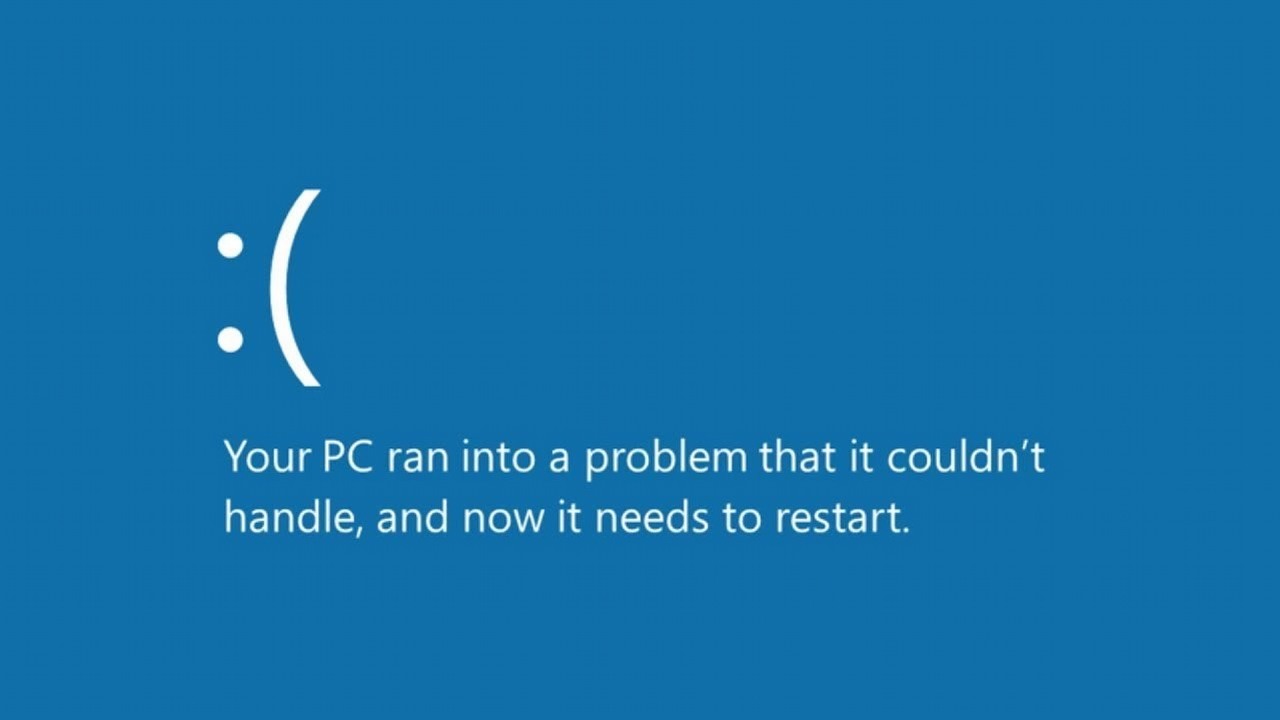
You see the screen of your computer or laptop is blue with the words “Your computer ran into a problem and needs to restart”, in fact if you don’t know how to solve it, you will feel panic right? Take it easy, the blue screen on your laptop can still be overcome with several methods for fix Windows 10 BSOD that you can live.

Blue screen itself is a form of case that often arises for every Windows user. This kind of case can hit computers or laptops. The causes also vary and are generally due to poor routines in using computers or laptops.

Windows 10

This case, which is also known as a BSOD or Blue Screen Of Death, will usually cause an effect in the form of a Windows screen that will only be blue. Have you ever faced this case?

Here’s an explanation of the trigger Windows 10 and how to deal with the blue screen problem.

Blue Screen Trigger in Windows 10

Blue screens can appear immediately at startup, in the middle of the Windows 10 update process, or even more so when you are using a PC.

Of course, this will really bother you when doing daily activities using the PC. Blue screen is the case that Windows displays when it encounters certain system errors.

BSOD can be felt by various types of Windows, such as Windows NT, 2000, Vista, XP, Z, up to 8 and Windows 10.

Naturally, a laptop or computer that is facing a … Read More